How to Use Pythinker Code, the Terminal-Native AI Engineering Agent
Learn how to install, configure, and use Pythinker Code for review-first coding workflows, debugging, ACP, MCP, local models, and privacy-conscious AI engineering.
Install Pythinker Code
- macOS, Linux, WSL:
curl -fsSL https://pythinker.com/install.sh | bash - Windows PowerShell:
irm https://pythinker.com/install.ps1 | iex - Homebrew:
brew install Pythoughts-labs/pythinker/pythinker-code - Python fallback:
pip install pythinker-code
First run
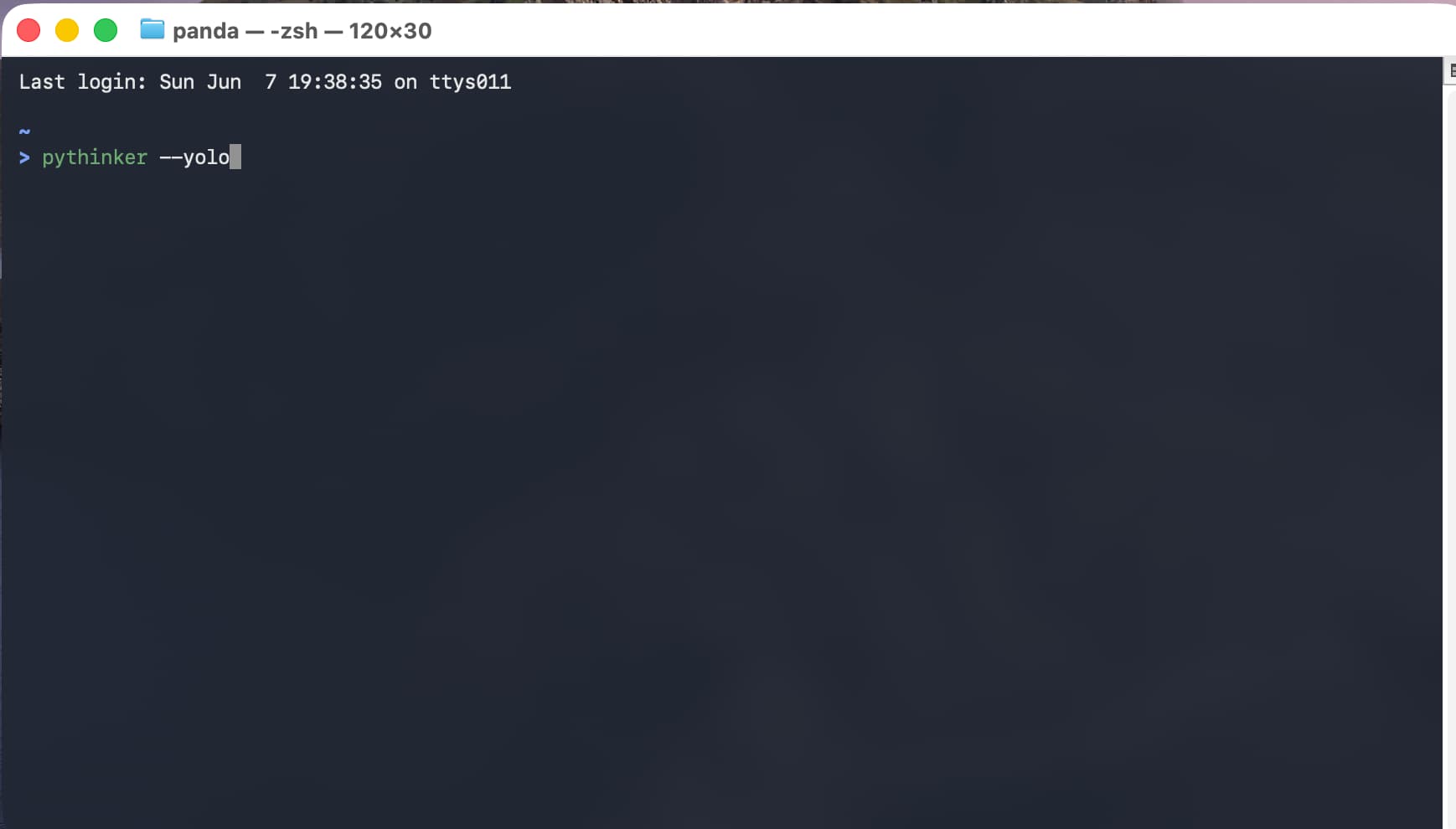
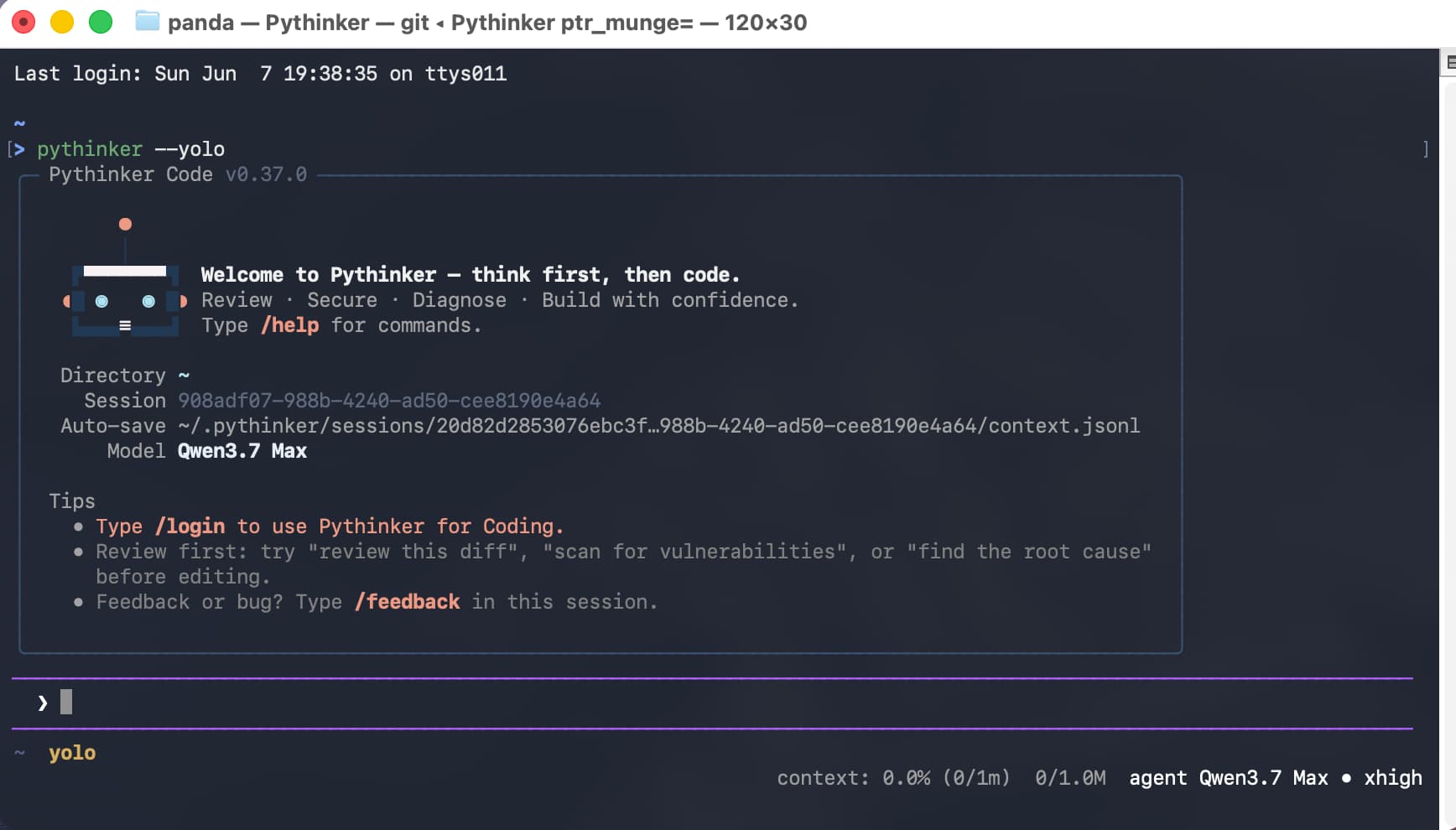
Run pythinker --version, pythinker login, then pythinker from your repository.
Practical workflows
Use Pythinker Code for review-first diff critique, security review, root-cause debugging, scoped implementation, repository understanding, and automation.
ACP, MCP, and local models
Run pythinker acp for editor integration, pythinker mcp for tool servers, and pythinker login --lm-studio or pythinker login --ollama for local models.
Privacy
Pythinker Code is the agent framework, not the LLM provider. Disable optional telemetry with pythinker --no-telemetry or PYTHINKER_DISABLE_TELEMETRY=1.